


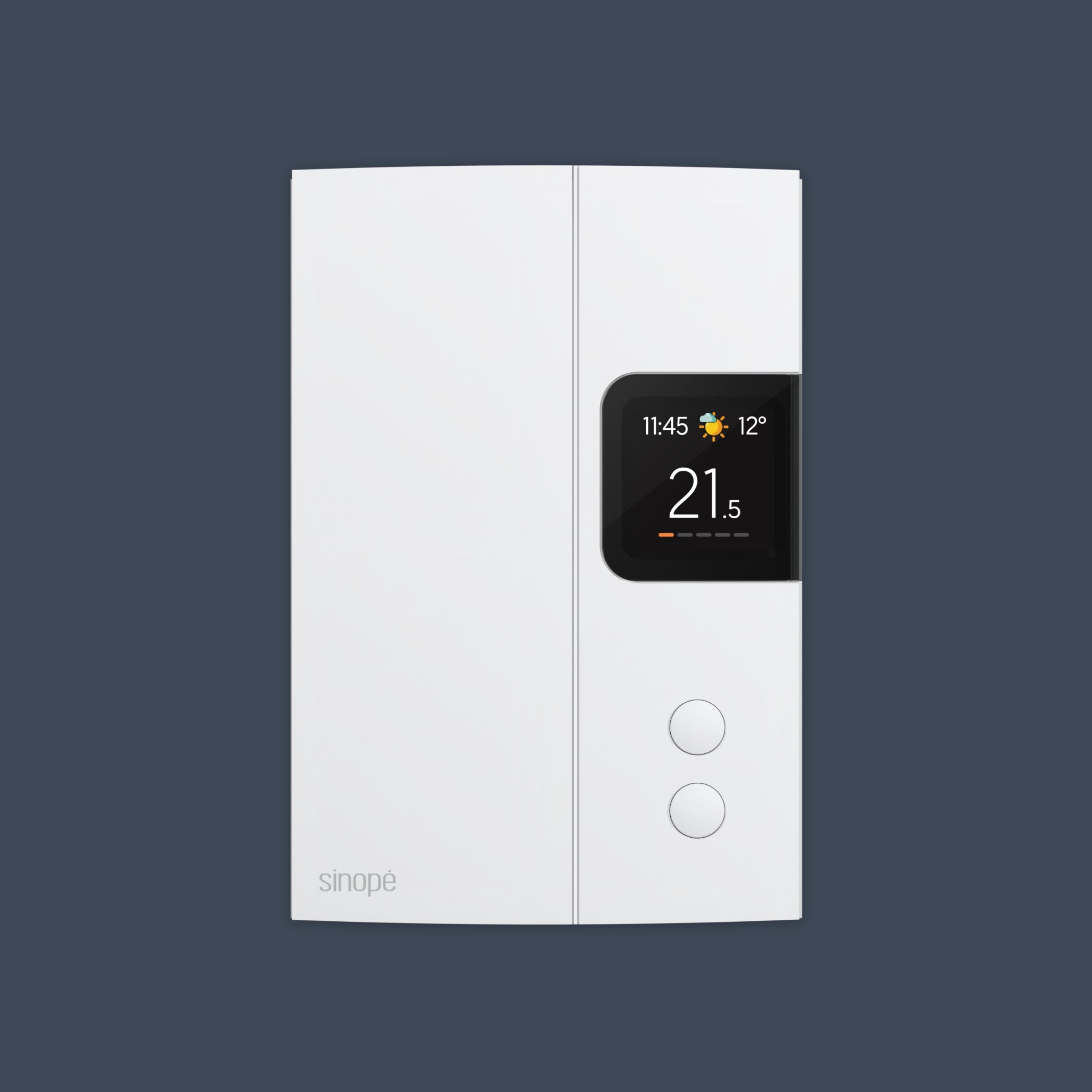
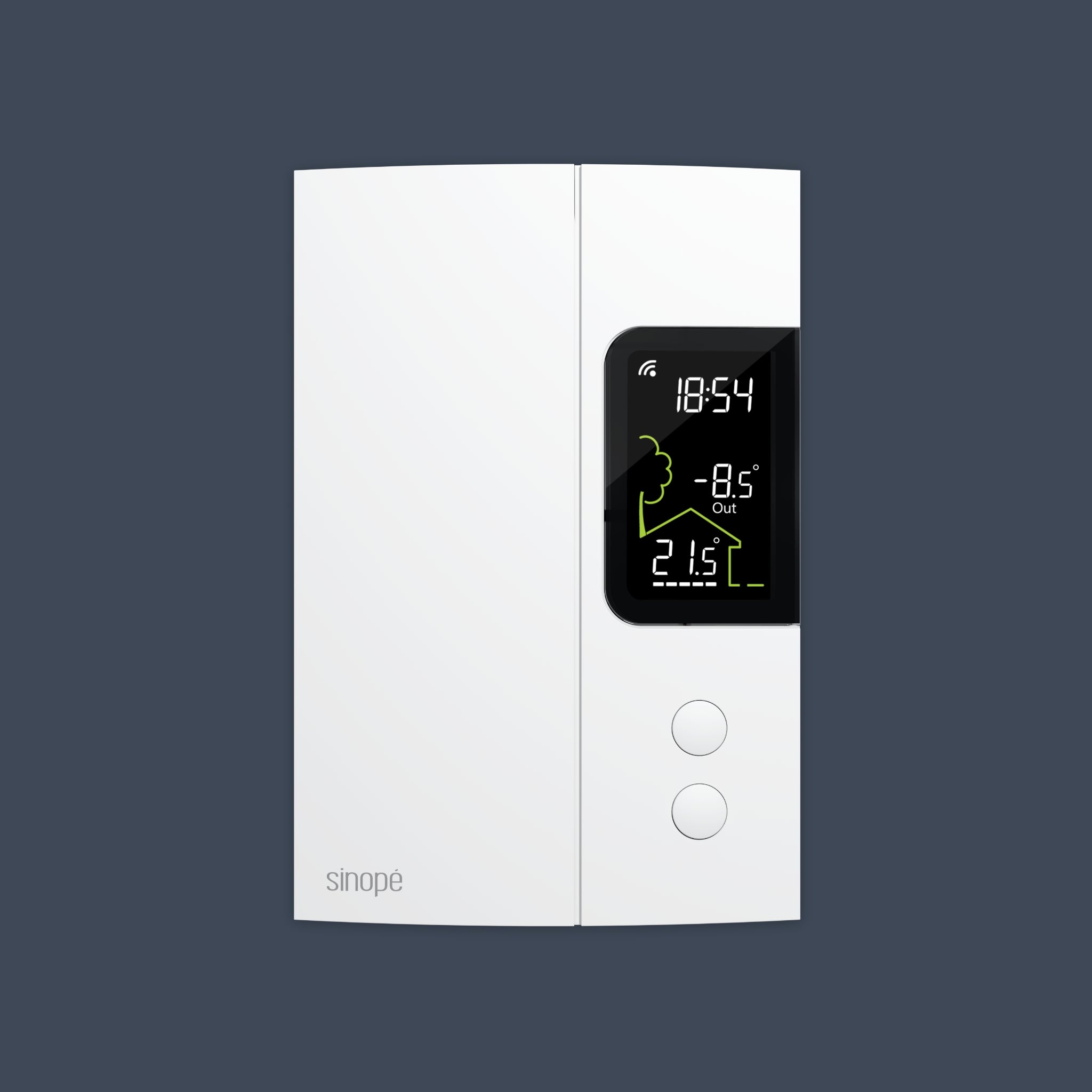


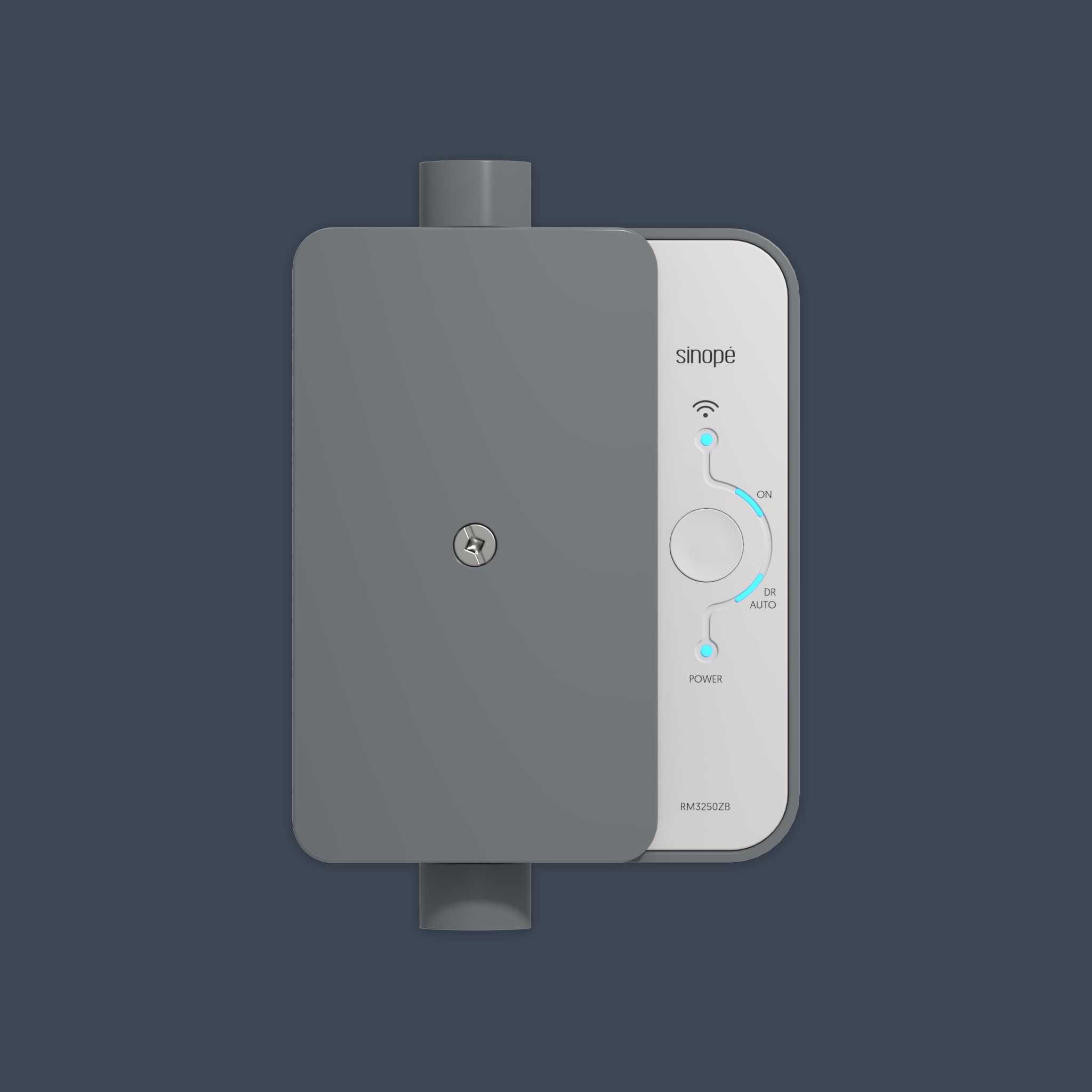
Enroll your devices.
Get paid every winter.
BC Hydro pays a $100 enrollment bonus for every device category you enroll in Peak Saver, plus $50/yr in rewards each year. Configure your home below and see your three-season total.
Each category you enroll earns its own $100 bonus and $50/yr in rewards every year.
Your value compounds each season
One-time enrollment bonuses stack with recurring Peak Saver rewards across three winters.
What is BC Hydro Peak Saver program?
Joining Peak Saver program allows you to get rewarded on your BC Hydro bill for reducing electricity use during short periods of high demand—known as peak events. By shifting your energy use, you help ease strain on the power grid and earn money in return.

Your smart devices help out! On cold winter evenings, when power grids strain, the devices get a signal from BC Hydro.

Your heating might subtly adjust for a bit – barely noticeable! You controllers will also be cut off during the peak event, allowing you to save energy.

This easy peasy collective effort helps prevent blackouts and keeps our community's energy clean, saving the environment. It's your home being a quiet hero!

You'll benefit from it by being rewarded for shifting your energy use! You could receive up to $300.
Your thermostat does the work before,
so you don't feel a thing during.
Ahead of a peak event, your home is pre-heated and acts as a heat reserve. It is then the setpoint reduction during the event that creates your energy savings — and afterwards the setpoint returns to exactly where you left it.
Illustration for example only.
An event is never forced on you. You can adjust your thermostat at any time, on the device or in the app: the override takes effect immediately and your comfort comes first.
Customer reviews
They were so easy to install, hardware and the app, programming them no problem. Love how we can set the temperatures and just forget about it. With the BC Hydro rebates and energy saving program, these will pay for themselves in no time. Highly recommend and Canadian made too! ELBOWS UP!
— Ki-Som D.
Great upgrade from the basic rotery style thermostat. This is the 2nd thermostat I've purchased - the BC Hydro rebate program has been a great incentive both times. Easy to install as a DIY and easy to program!
— Deena S.
My four Sinope thermostats are fantastic, and I really appreciate the functionality for control and opportunity for BC Hydro peak-load management.
— Andrew S.
FAQs
Who can qualify?
To be eligible for the Peak Saver Program, customers must:
- Be the BC Hydro account holder and the owner of the residence. Tenants can participate with the owner's consent.
- Have an electric water heater and/or baseboard heaters.
- Have an eligible Sinopé device connected to the Internet via your own Internet service.
Is there a maximum incentive I can receive?
- One enrollment bonus per household, per device category.
- Seasonal incentives require participation in at least 50% of the season's peak events.
When do I get my rewards?
The enrollment bonus will be a bill credit on your next bill cycle. As for the seasonal incentive, it'll be given at the end of the season:
- Winter season payments: April to June
What to expect during a peak event?
- You don't have to do anything except register via the Neviweb app and select a profile. We will remotely adjust your Sinopé devices by turning off the load controller during peak periods or lowering the temperature setpoint according to the selected profile.
- An event will not last more than four consecutive hours.
- You can opt out of an event at any time by pressing any button on your devices.
- You will always have full control over your devices.
How do I know when a peak event takes place?
During a peak event, the DR or éco icon will appear in the tile of each participating device in the Sinopé Neviweb app. In addition, the same icon will appear on the thermostat display. As for the controllers, the LED on the DR button of the load controller and the Link LED on the water heater controller will flash throughout the event to indicate their participation.
Peak events take place between November and March.
How do I opt-out of a peak event?
To opt out of an event, you can simply adjust the temperature up or down manually on the thermostats. For the controllers, you'll have to click on the power button directly on the device.
*Applicable taxes not included. Conditions apply. The displayed price represents the cost of the first device in its category (thermostat or load controller) after the credit offered by BC Hydro upon enrollment in Peak Saver.