


What if a smart device could help you fully enjoy your summer, without worrying about daily tasks or electricity costs? Energy management is almost always associated with the cold season. Yet, in summer, backyards are full of energy-intensive appliances that often run much longer than necessary.
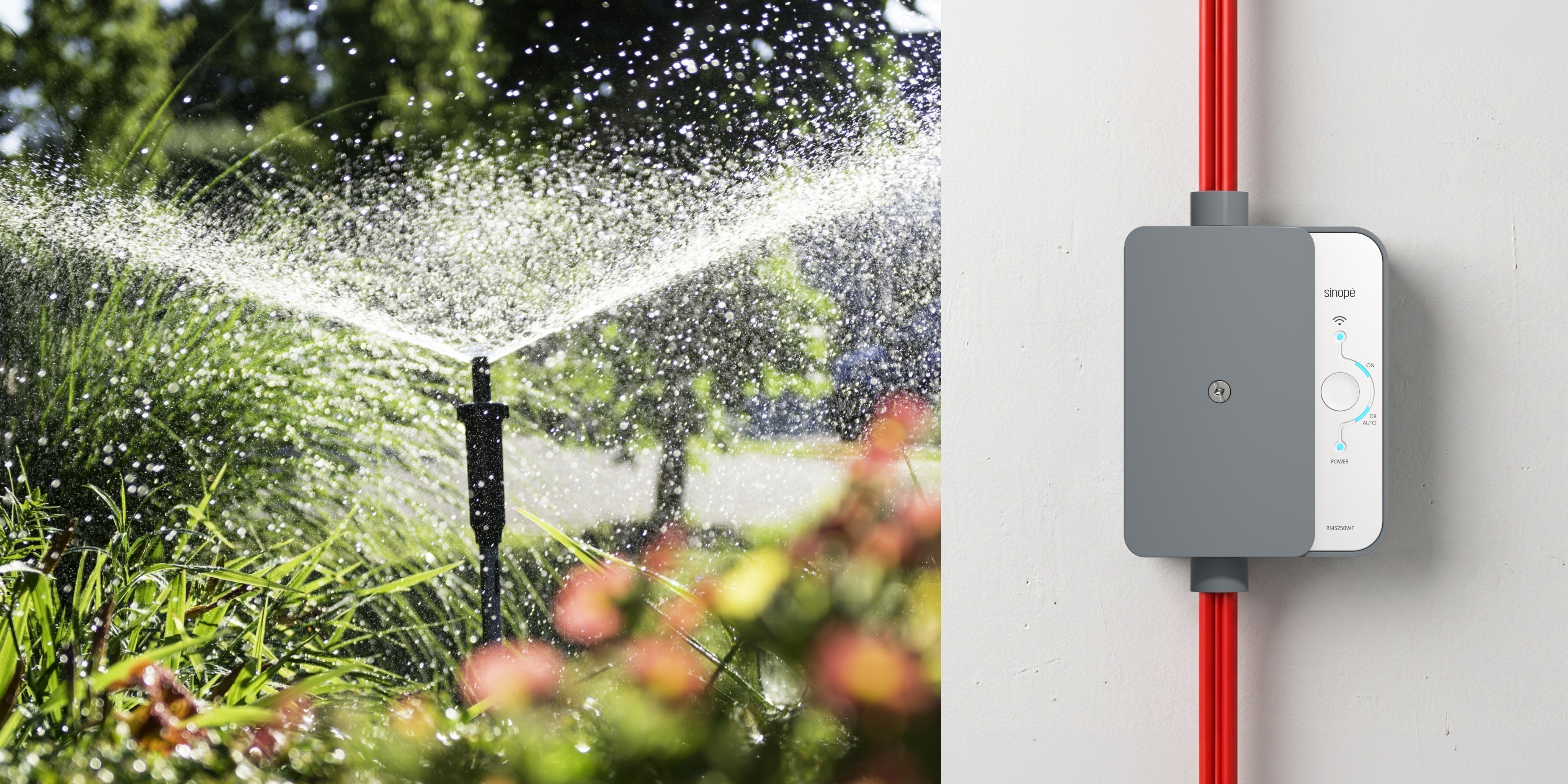
This is exactly where the Sinopé smart load controller comes in.
Versatile, powerful, and designed to manage large electrical appliances, it provides remote control to help optimize your energy consumption and maximize your savings. It’s the ideal addition to your smart home.
Here are 10 reasons why it’s the ultimate must-have this summer.
1. Optimize your pool pump
A pool is often one of summer’s greatest pleasures, but it can also be one of the appliances that has the biggest impact on electricity consumption: water filtration and heating can account for up to 20% of a household’s annual electricity use (source: Hydro-Québec).
Between filtration, water circulation, and operating cycles that sometimes run too long, a pool pump can operate much more than needed. By connecting it to a smart load controller, you can create precise schedules to prevent your pump from running continuously and reduce filtration costs by up to 45% (source: Hydro-Québec).
For example, in the Sinopé Neviweb app, you could:
-
Program your pump to turn off automatically at night.
-
Adapt its operation to your swimming habits.
-
Turn off your pump remotely with a simple click, while comfortably relaxing on your outdoor sofa and enjoying a quiet moment.
Pro tip: Recommended shutdown periods vary from 6 to 12 hours per day between May and September. To learn more about recommended shutdown times, check outthis blog post.

2. Better manage your pool water heater
If you're planning to install a controller on your pool pump, take the opportunity to optimize your water heater as well. Pairing these two installations is an excellent strategy to maximize your savings.
Like the pump, the water heater uses a lot of electricity to maintain a stable temperature. By adding a second smart load controller, you move from manual management to smart automation.
Important rule: if you turn off your pump, your heat pump must also be turned off for safety reasons and to prevent equipment damage.
Pro Tips:
-
Create a schedule in the app to automatically turn off your heat pump and pool pump at the same time.
-
If you leave home for several days, turn off your heat pump and keep your pool pump on a schedule.
By combining these two controllers, you can enjoy comfortable water all season long without unnecessary energy use.

3. Program your spa pump
The same principle applies to your spa. By connecting the pump to a smart load controller, you take control of its operating periods according to precise schedules, rather than letting it run continuously.
A spa’s filtration cycle is very important and should be adjusted according to the season. Many spa manufacturers recommend:
-
In spring and summer: the filtration cycle generally varies from 4 to 6 hours per day.
-
When the cold arrives, in autumn and winter: increase the filtration cycle to 8 hours per day.
4. Automate your garden sprinkler system
Going to the cottage for a few days? No need to worry about watering your flower beds or garden. By connecting your sprinkler or irrigation system to a smart load controller, you can automate watering based on your needs. The Sinopé Neviweb app allows you to create personalized schedules (up to 12 per day).
You can therefore automatically start your sprinklers early in the morning and in the evening, and make the most of your summer without worrying about watering.

5. Control greenhouse equipment
Urban agriculture and four-season residential greenhouses are becoming increasingly popular. But behind the harvests, there can be significant electrical needs: grow lights, auxiliary heating at the beginning or end of the season, and automated systems.
The smart load controller allows you to control this equipment with precision. You can program lighting cycles, adjust heating periods, and control your devices remotely directly in the app.
Whether you want to extend the harvest season, protect your plants on cooler nights, or automate your setup, adding a controller is a simple solution to optimize your greenhouse without constant intervention.
6. Program a well or irrigation pump
In the case of a well pump, this is not necessarily where you will see the greatest reduction in your electricity bill, since it mainly operates when there is a demand for water. The advantage is more about control and peace of mind. By connecting it to a smart load controller, you can cut its power remotely whenever needed.
7. Turn a residential sauna on and off remotely
Indoor and outdoor saunas are also becoming increasingly popular in backyards. But the electric heaters that power them are powerful and can consume a lot of energy if left on for too long.
With a smart load controller, you can turn your sauna on or off remotely in the app so it’s ready at the right time, without having to let it run unnecessarily. You can also use the controller’s timer to automatically limit its operating time.
This is particularly useful for avoiding forgotten shut-offs, better controlling energy consumption, and ensuring safe use of the appliance.
With a load controller, your sauna will be ready when you are, not three hours too early.

8. Schedule EV charging
Although many electric vehicle owners have a home charging station at home, few of these installations include smart features. To solve this without replacing your current equipment, adding a smart load controller is an excellent solution to decide when your car charges.
This way, you can simply plug in your car when you get home, and the controller will start charging at the time of your choice or when electricity costs are lower.
Pro tip: Is your electrical panel at full capacity? With two controllers installed on the existing circuit of your dryer, you can create scenes in the app to easily alternate between charging your electric vehicle and using the dryer. A simple and safe solution to maximize an existing circuit.
Summer peak events? Absolutely. Many electricity providers apply higher electricity rates during summer peak hours. Using a controller in this context is especially worthwhile.

9. Automate outdoor lighting
Outdoor lighting can completely transform the ambiance of a backyard and landscape design. Spotlights, string lights, pool lighting, retaining walls, mature trees, façades: the possibilities are endless,
With a load controller, you can create schedules, automatically turn off lights at a specific time, or turn everything off with a single tap after a beautiful evening in the backyard. It’s also very practical for special events at home, for example if you’re hosting a large reception, an outdoor party, or a wedding, when several string lights and lighting zones are used at the same time.
10. Optimize a luxury outdoor kitchen
Outdoor kitchens are becoming increasingly sophisticated. Some backyards now include several electrical appliances such as radiant ceilings, cooktops, built-in smokers, outdoor refrigerators, or even ovens.
In this context, a smart load controller helps you stay in control remotely, while offering greater peace of mind.
Pro tip: By adding a smart controller to a complete outdoor kitchen, it acts almost like a master switch to cut power to your equipment after a great week of vacation at the cottage. A simple way to avoid forgetfulness and keep control over outdoor devices when you’re away.
BONUS: Prepare for Next Season’s Peak Events
Activating the free Éco Sinopé feature in the Sinopé Neviweb app is the best way to easily generate savings if you own a load controller or any compatible device. Éco Sinopé does all the work by automatically modulating the operation of your devices according to your electricity provider's peak hours. To learn more about this feature, consult this dedicated page.
The Sinopé smart load controller is available in two versions: a 40 A Wi-Fi model and a 50 A Zigbee model. Features in the Sinopé Neviweb app may vary from one model to another.
Share:
BC Hydro is investing in energy efficiency: great news for consumers and for the future of the power grid