





Energy consumption optimization
Your new home is equipped with Sinopé devices to optimize your energy consumption. The heat pump is interconnected with the Sinopé thermostat, which prevents the heating from being activated at the same time as the air conditioning (interlocking).

Heat pump modes
- Cool: The thermostat cannot heat.*
- Auto: The thermostat cannot heat.*
- Heat: No interlock restrictions
- Dry: No interlock restrictions
- Fan: No interlock restrictions
*The message “IL” may appear on the thermostat display. This occurs when a setpoint change is requested, but it is not possible due to the thermostat mode and interlock.
I am...

A Tenant
Your devices have been preprogrammed for you—everything works automatically! The Sinopé thermostat and heat pump work together to maximize your comfort while reducing your energy consumption.

An owner
You can connect your interlocking solution to the Internet to enjoy all the benefits of the Sinopé app:
- Control devices remotely
- Adjust the thermostat setting to suit your preferences
- Create schedules and scenes
- Enable geofencing
- View consumption graphs for your devices
Here's how to connect your solution to the Internet:
1. Download the Sinopé app from the App Store or Google Play Store and create an account.
2. Add your devices to the app by following the steps in the installation wizard.
a) Wi-Fi kit: connect the thermostat and wall-mounted heat pump interface
b) Zigbee kit: connect the gateway only—the other devices (thermostat and wall-mounted heat pump interface) will be added automatically
3. Enjoy all the benefits of your smart devices.
Did you know that in addition to the interlocking solution, you can expand your smart device ecosystem by adding other products? These will give you maximum control over your energy consumption throughout your home (floor heating, water heater control, etc.).
Wi-Fi interlocking kit
The kit includes:
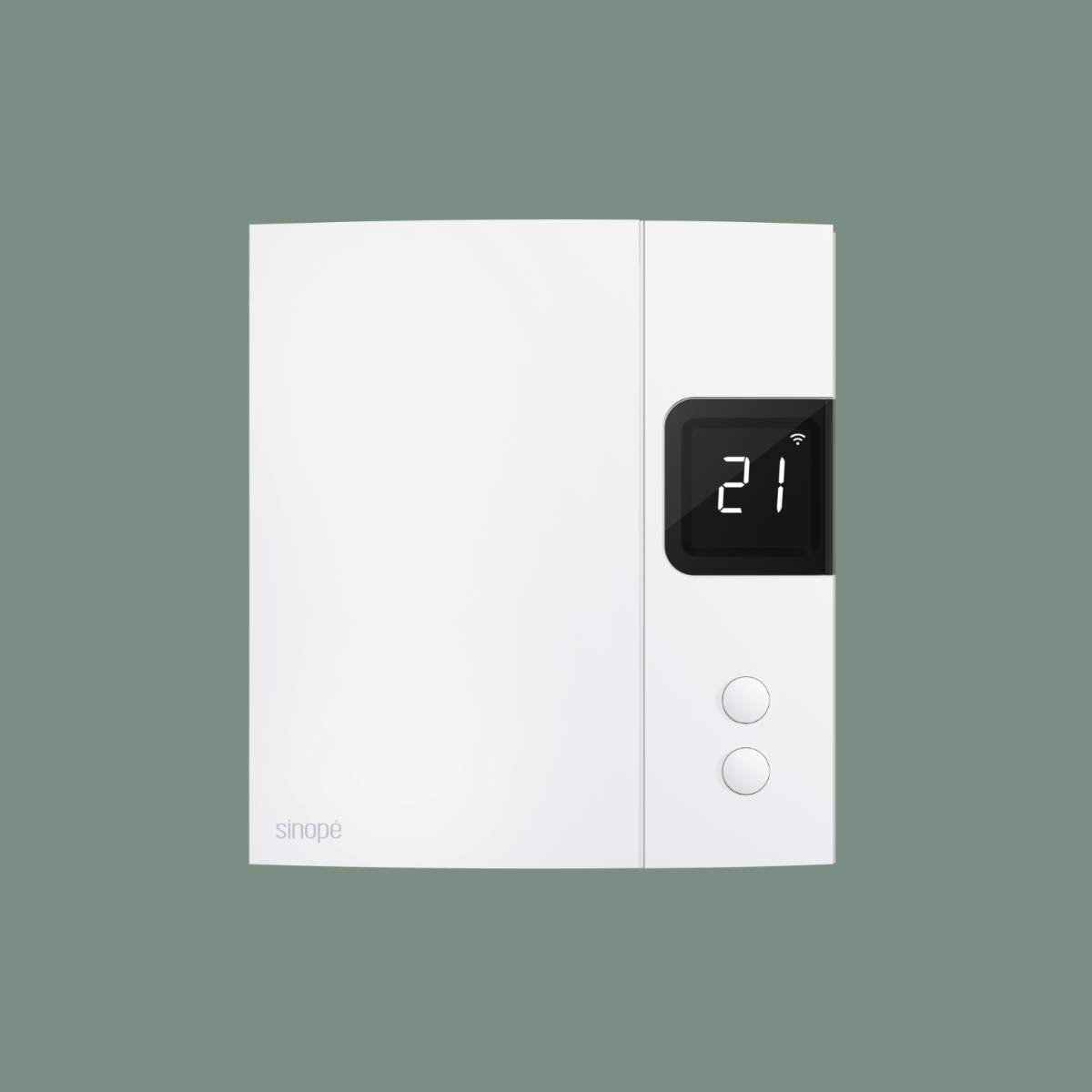
Wi-Fi thermostat for electric baseboard heating
TH1134WF
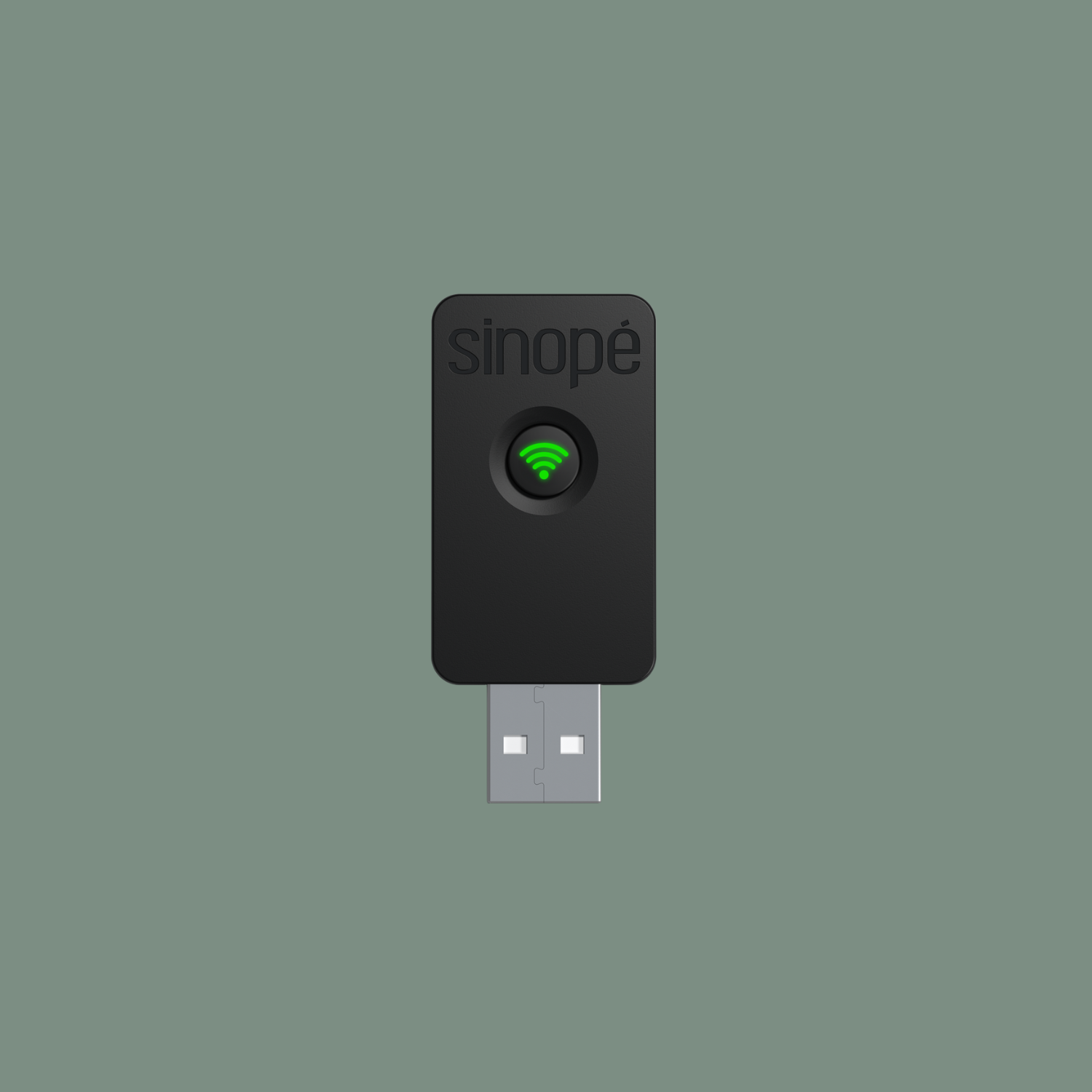
Wi-Fi ductless heat pump interface
HP6000WF
Zigbee interlocking kit
The kit includes:
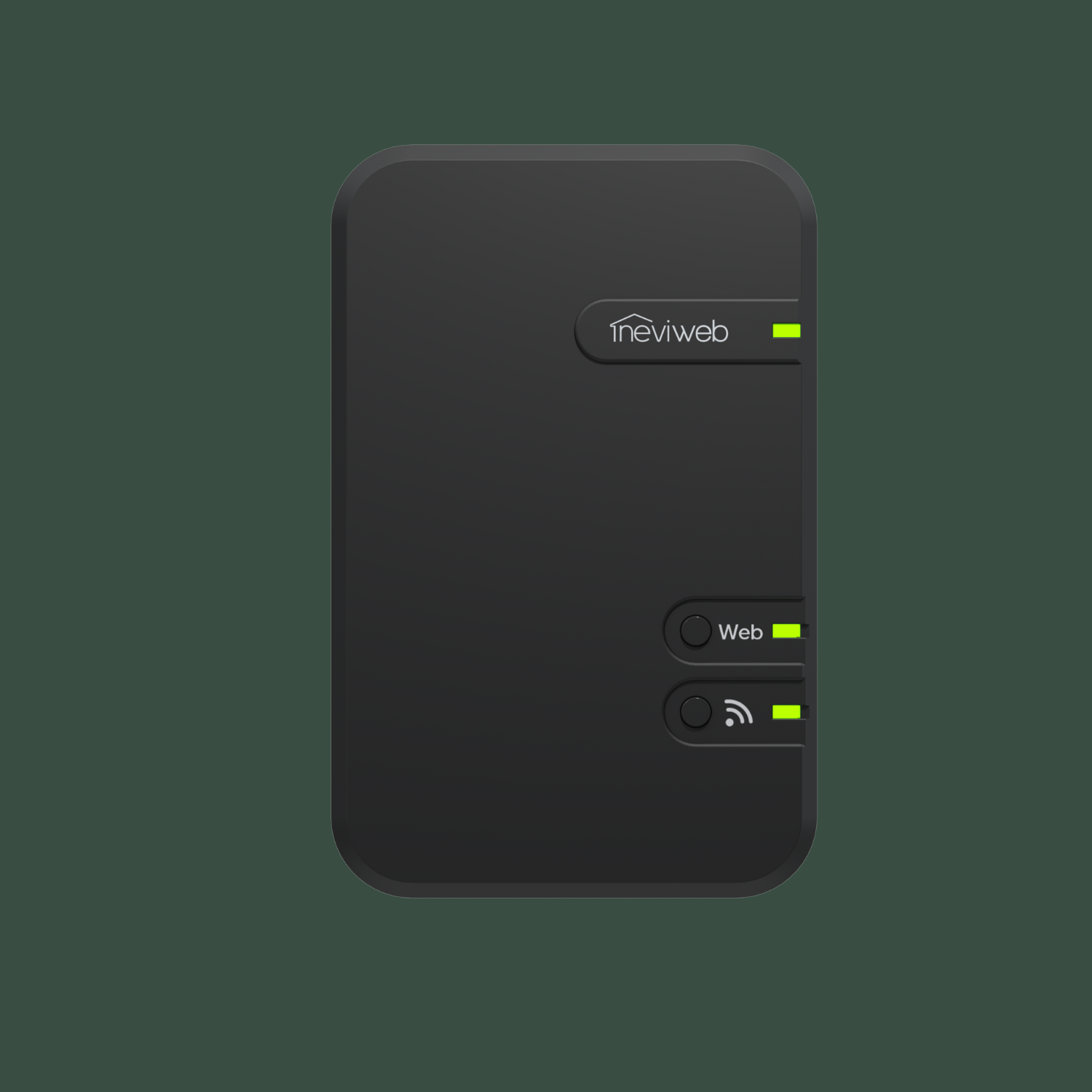
Zigbee gateway
GT130
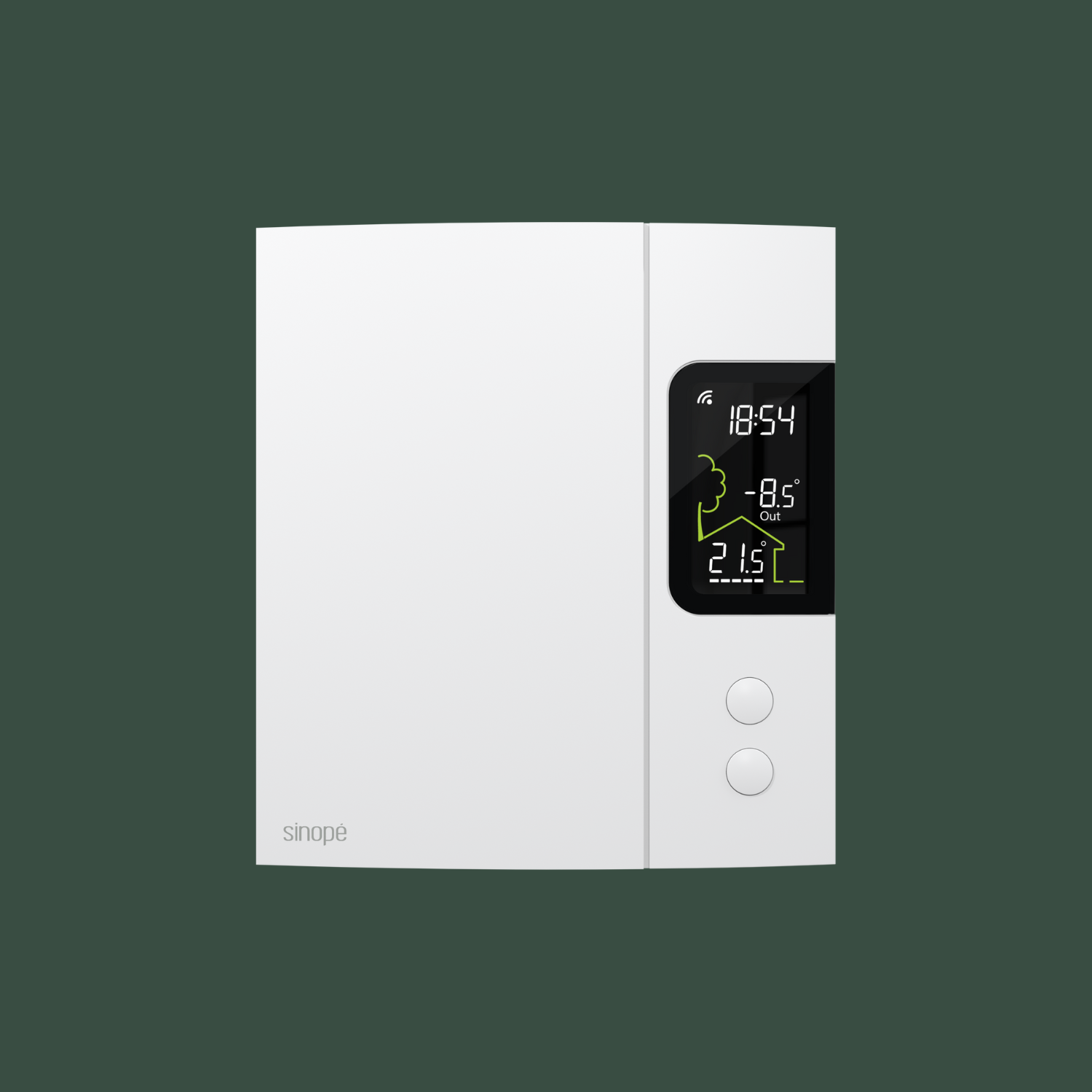
Zigbee thermostat for electric baseboard heating
TH1124ZB
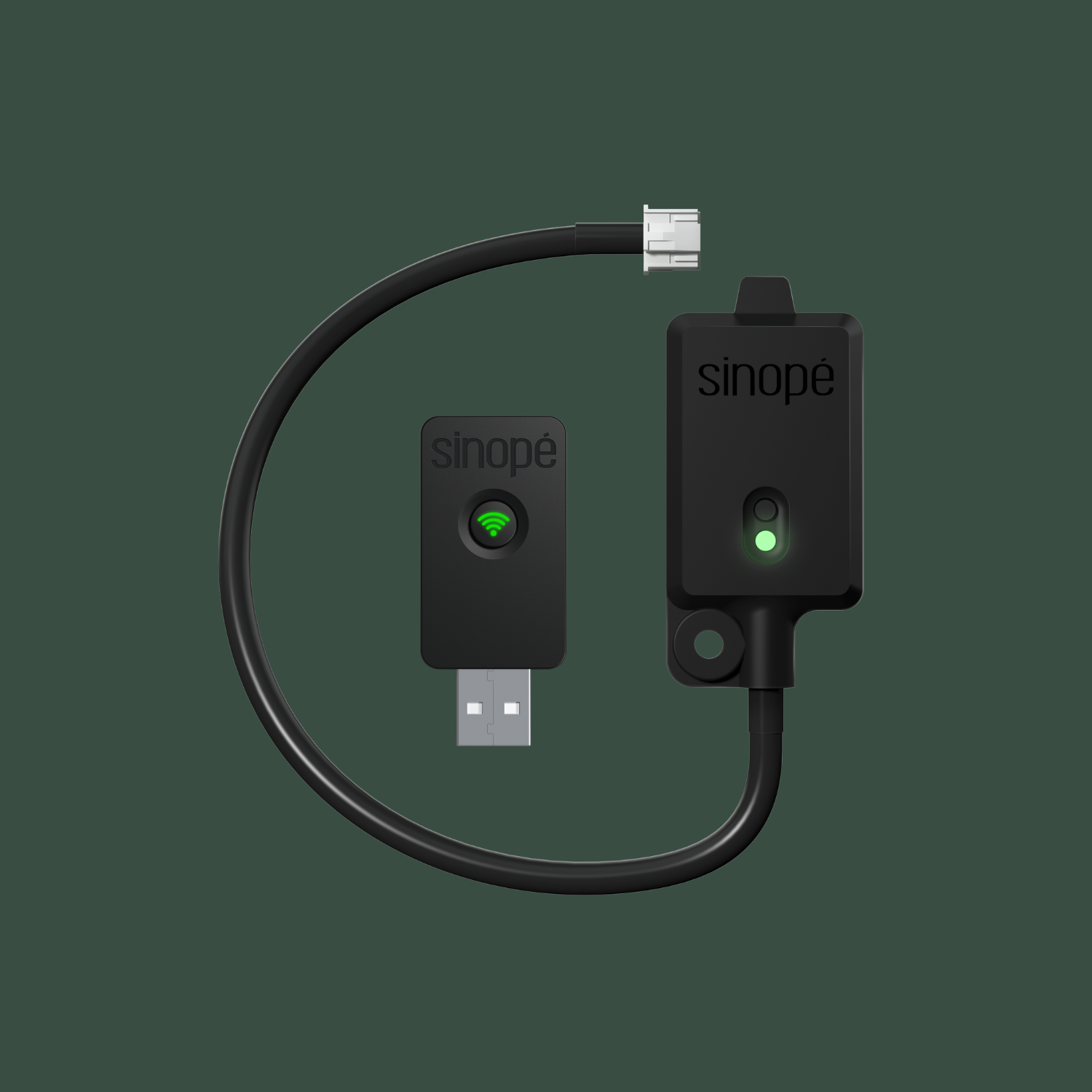
Zigbee ductless heat pump interface
HP6000ZB